Recycle Easy
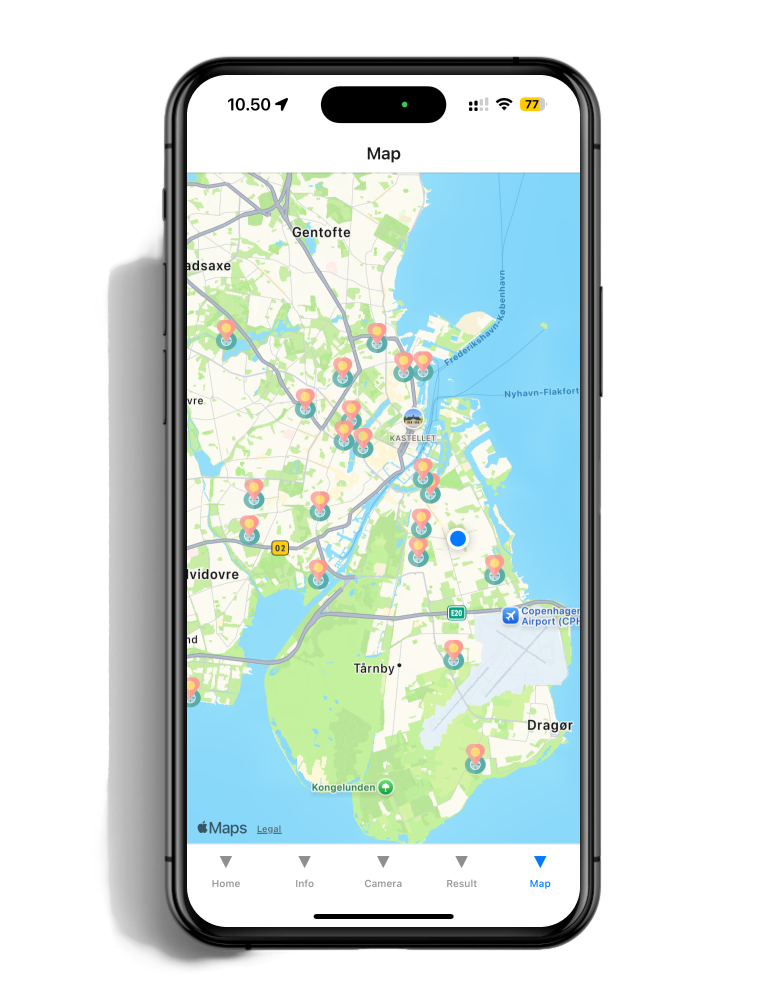
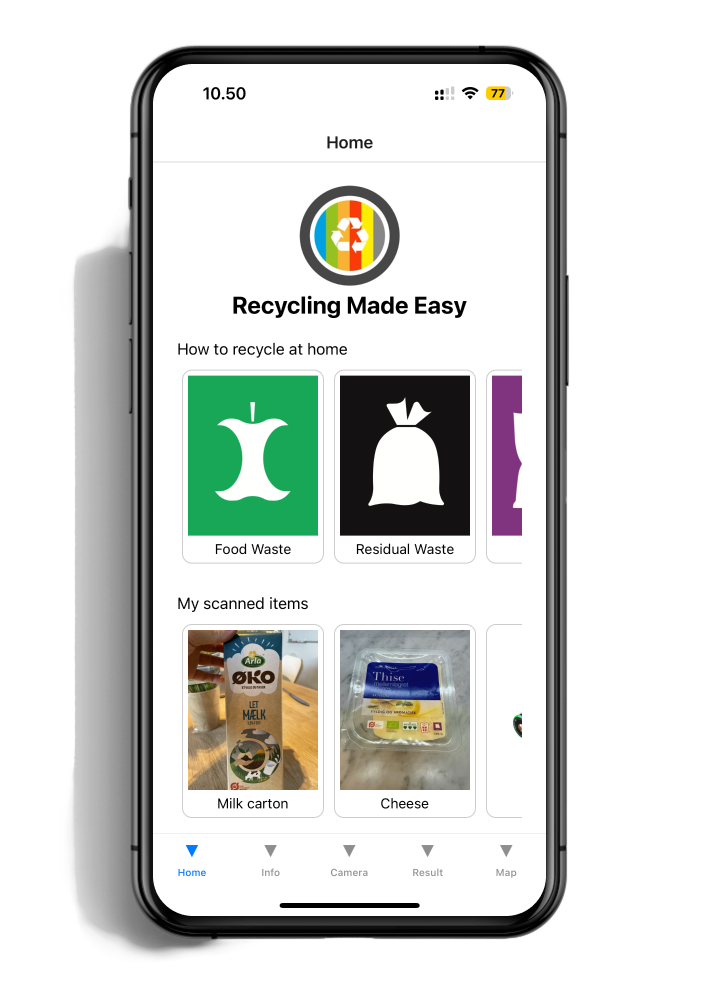
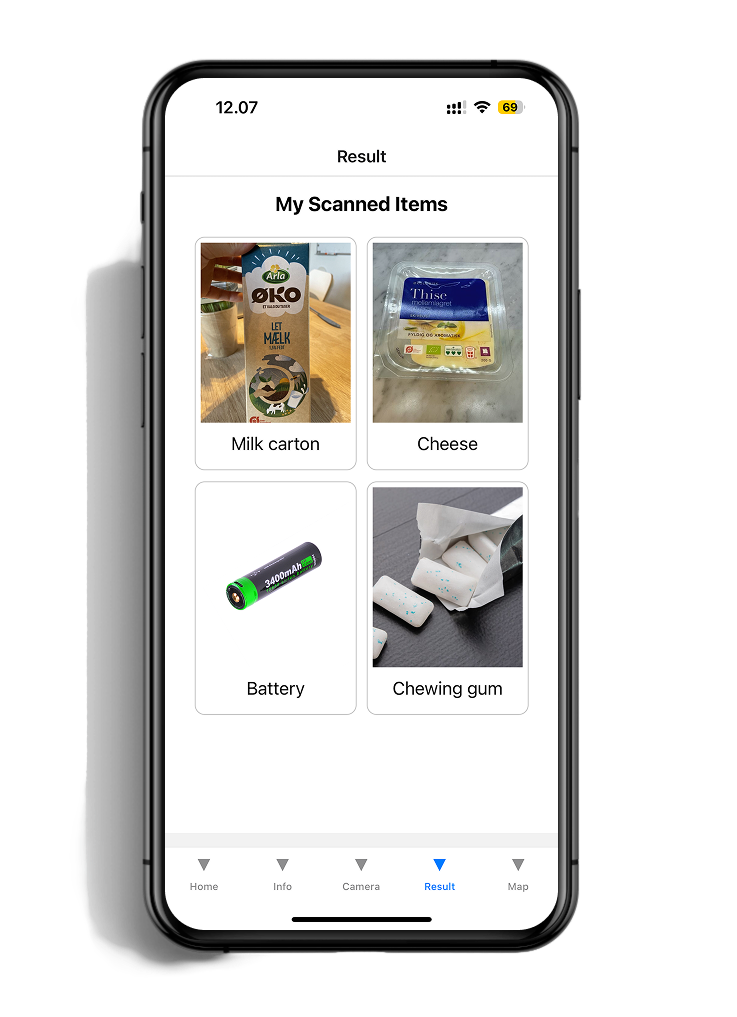
Helping residents recycle correctly through clear guidance, visual information, and location-based support
Role
Timeline
Tools
1 Semester Individual University Project
UX/UI Designer & Front-End Developer
Figma • React Native • Visual Studio Code
Project Overview
RecycleEasy is a mobile application designed to simplify recycling by helping users quickly identify the correct waste category, learn local recycling guidelines, and find nearby recycling stations. The project combined UX design with front-end development to create a practical solution that makes recycling information more accessible and easier to navigate.
The Challenge
This project began with a personal frustration: after moving to Denmark, I found myself repeatedly unsure which bin an everyday item belonged in, recycling signage differs from country to country, and Denmark's system was unfamiliar to me. A quick, informal survey of friends and colleagues confirmed I wasn't alone; even long-term residents struggled with the same everyday sorting decisions.
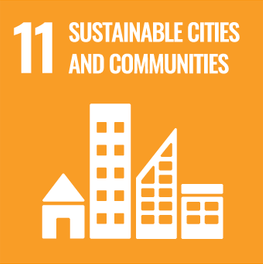
The app aims to solve two Sustainability Goals introduced by the United Nations
The app aims to solve two Sustainability Goals introduced by the United Nations. They aim to improve the quality of life for residents while minimizing environmental impact and promoting equitable development
Research
Problem Research
I began by researching the recycling system in Denmark and identifying common challenges users face when sorting household waste. This helped define the core features needed to support users throughout the recycling process.
Design Guidelines
Before designing the interface, I reviewed established mobile design guidelines to ensure the application prioritized readability, clear navigation, accessible touch targets, and a clean visual hierarchy. These principles informed every screen throughout the project.
Competitive Inspiration
I analyzed existing recycling resources and mobile experiences to understand how information is currently presented. The goal was to simplify complex recycling rules into an interface that users could understand at a glance.
Timeline
1
Research
Uncover target user needs, behaviors, and pain points through interviews and competitive analysis to inform product decisions.
Information Architecture
2
Organize and structure the product’s content and navigation flow so users can find information intuitively.
3
Wireframes
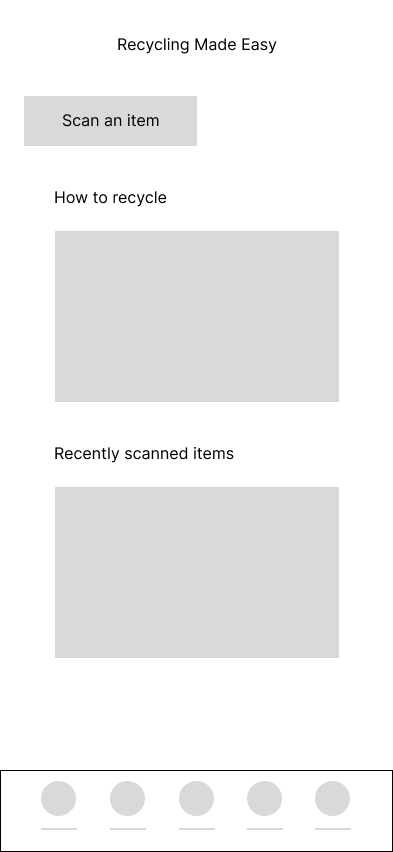
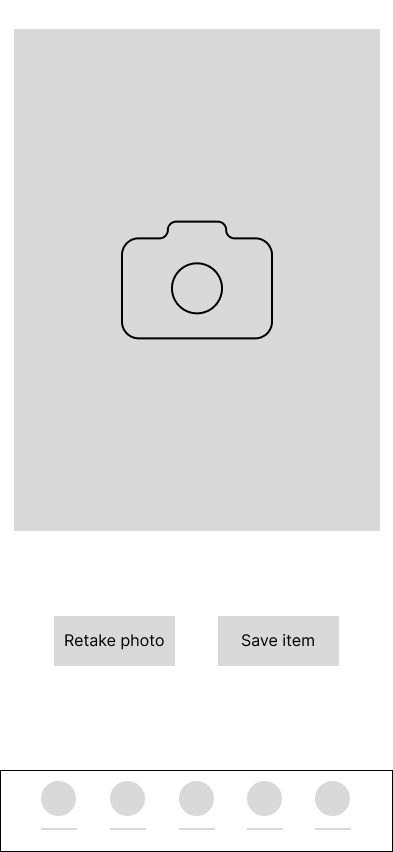
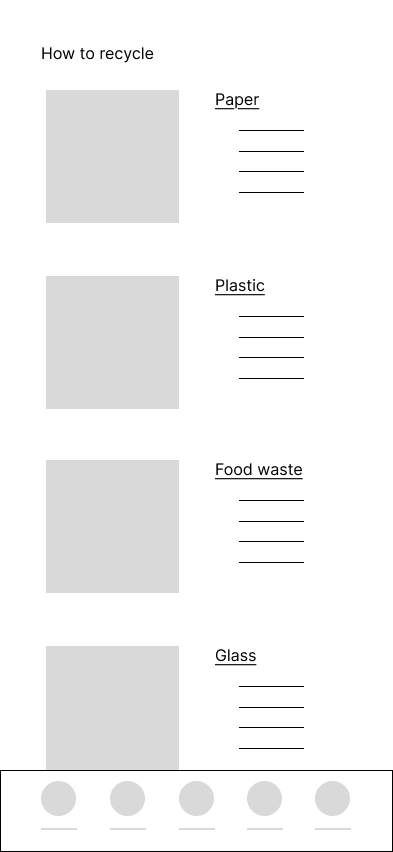
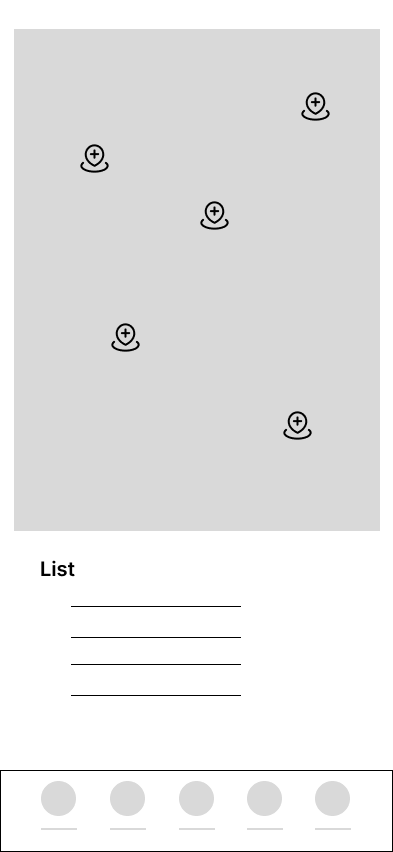
Draft low-fidelity, black-and-white visual layouts to map out page functionality and core content placement without visual distractions.
High-Fidelity UI
4
Apply brand typography, colors, iconography, and polished visual elements to transform wireframes into interactive, production-ready designs.
5
Development
Translate the UI designs into functional, cross-platform mobile code for in React Native.
6
Testing & Iteration
Validate the live app with real users to identify bugs and usability issues, continuously refining the experience based on feedback.
Final Solution
RecycleEasy combines educational content with practical tools, allowing users to quickly understand recycling rules while providing location-based assistance whenever additional support is needed
Recycling Categories
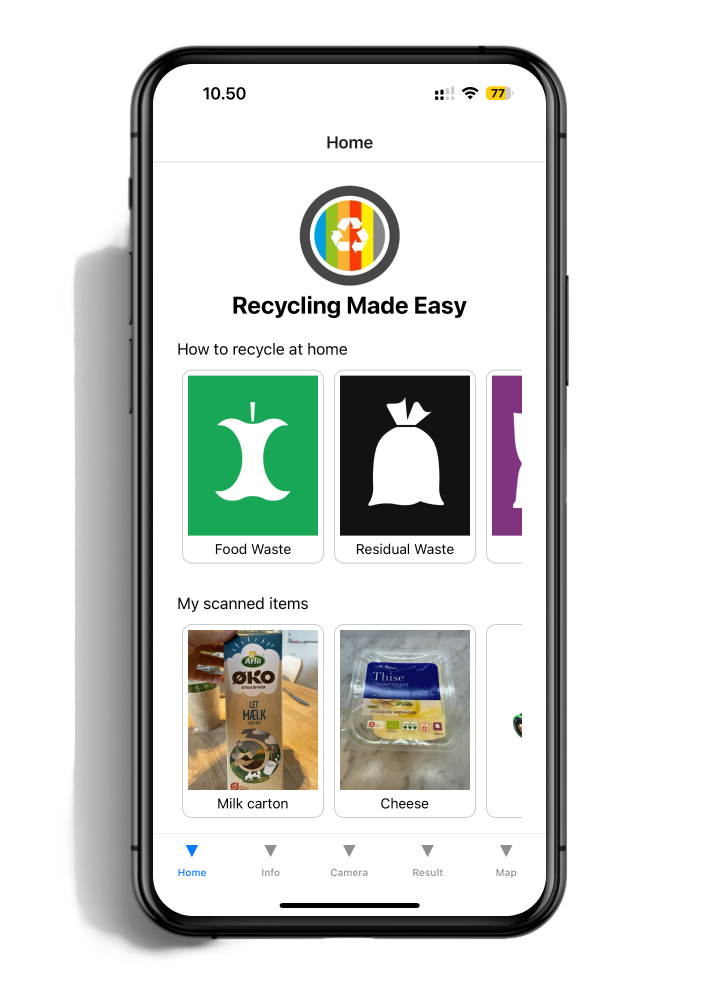
The homepage provides quick access to ten recycling categories using large visual cards. Selecting a category immediately opens detailed disposal guidelines, allowing users to find the information they need with minimal navigation
Recycling Guide
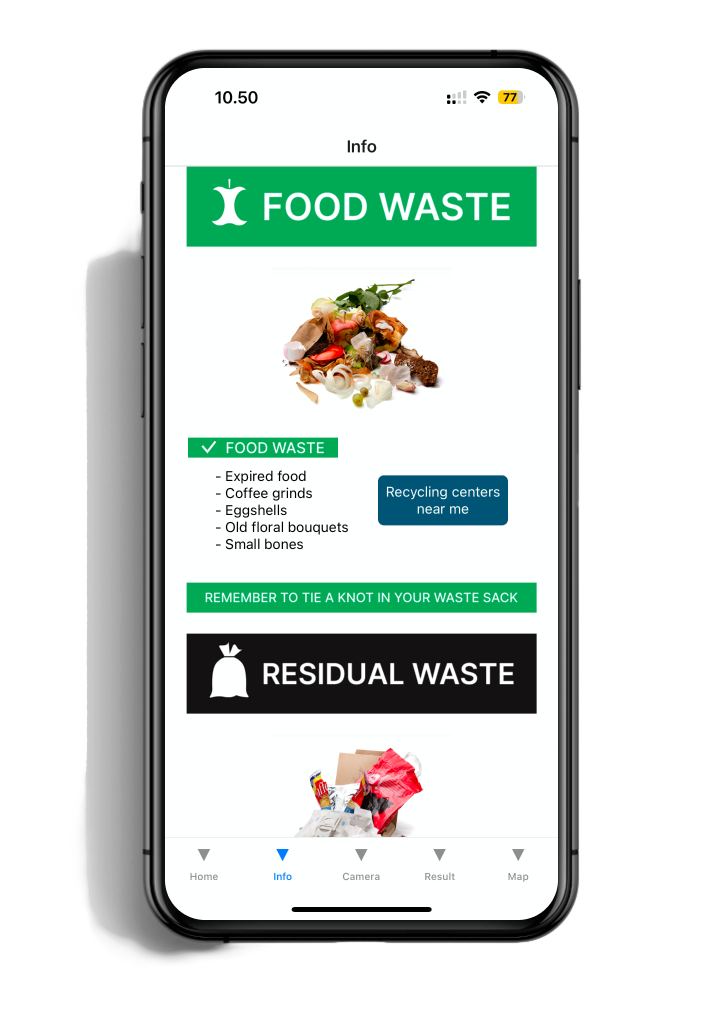
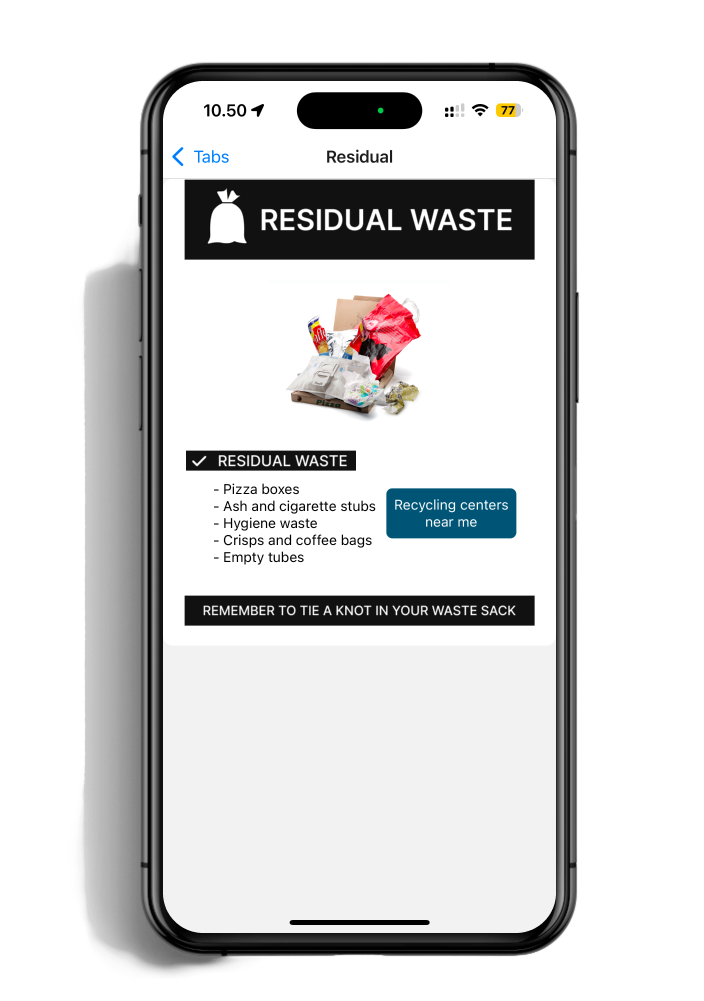
Each recycling category includes a dedicated information page explaining what belongs in that waste stream, what should be avoided, and how items should be prepared before disposal. The layout was designed in Figma to make complex information easy to scan and understand.
Nearby Recycling Stations
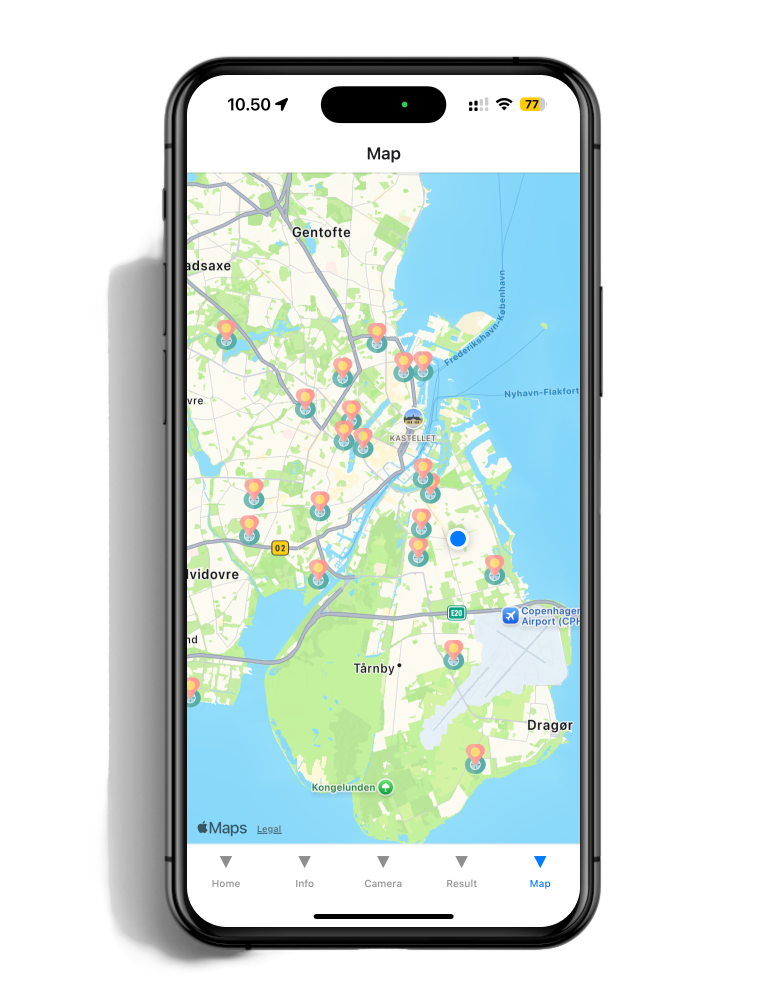
An interactive map displays nearby recycling stations together with additional information about each location. This helps users easily find appropriate disposal points for waste that cannot be recycled through household collection.
Previously Scanned Items
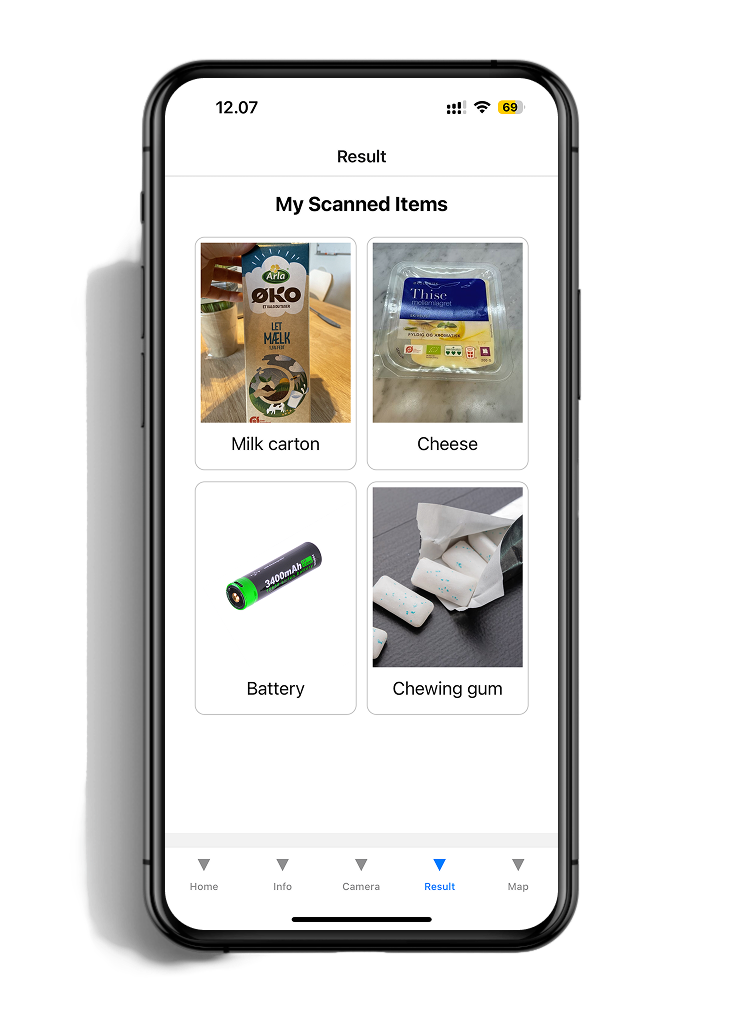
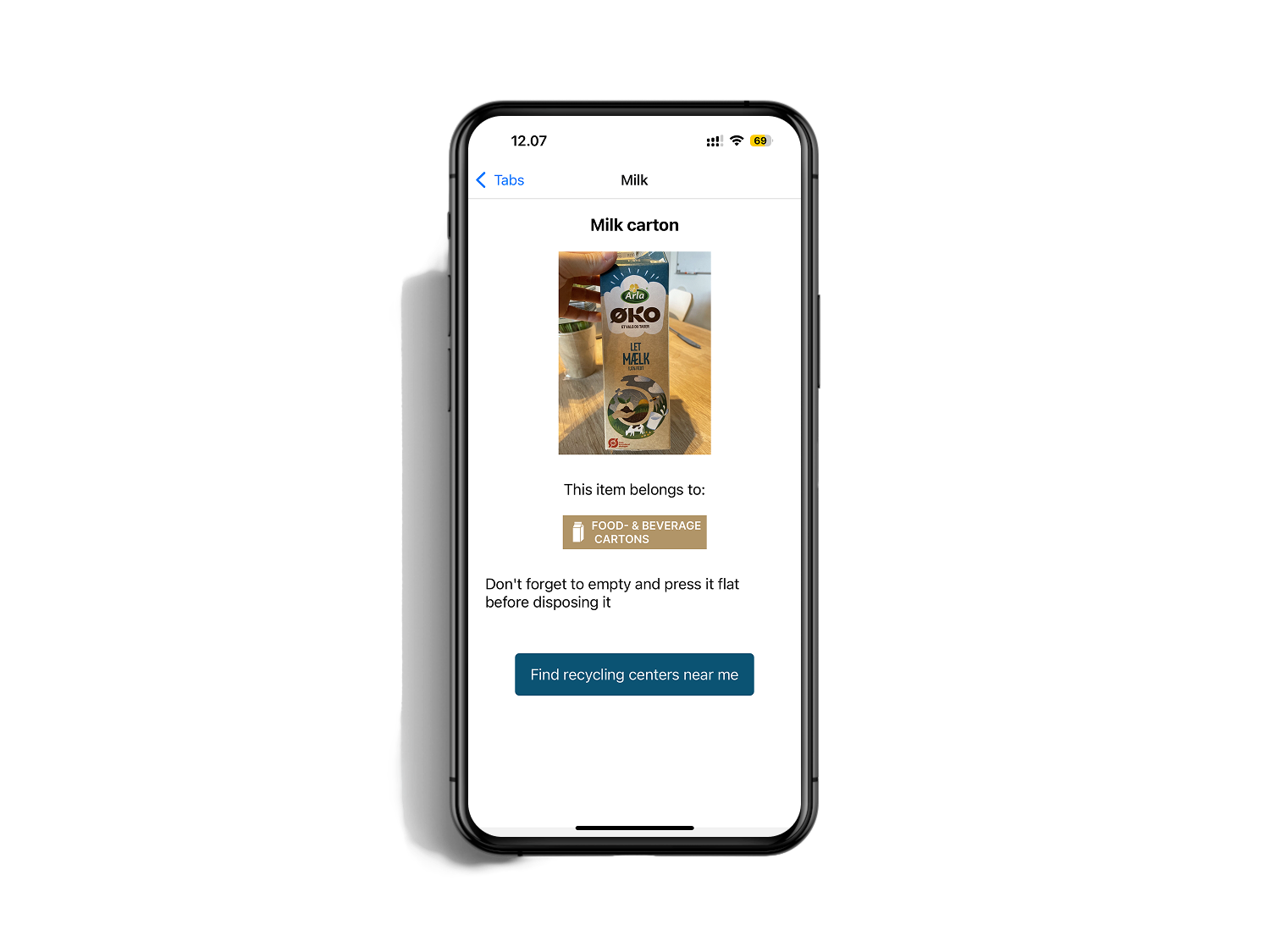
Recently scanned items remain accessible from the homepage, allowing users to quickly revisit previous recycling decisions without repeating the process.
Wireframes